Generate and trim simultaneously—Synvas brings AI video creation onto a single canvas
Generate and trim simultaneously—Synvas brings AI video creation onto a single canvas

2026-10-18 15:39
Introduction: WebGPU leverages local GPU for seamless generation and editing. What is Synvas? Synvas is an AI video canvas creation tool developed by continuous entrepreneur Julian Ding (Zhiyuan Ding) and designer WZ.
What is Synvas?
Synvas is an AI video canvas creation tool co-founded by continuous entrepreneur Julian Ding (Zhiyuan Ding) and designer WZ. Leveraging a game engine technology stack (WebGPU + WebCodecs), Synvas directly accesses the local GPU to enable real-time generation and editing within a unified workflow. The self-developed tech stack emphasizes speed and fluidity, making it ideal for professional AI video creators and content teams who demand high-efficiency iteration and uninterrupted creative flow.
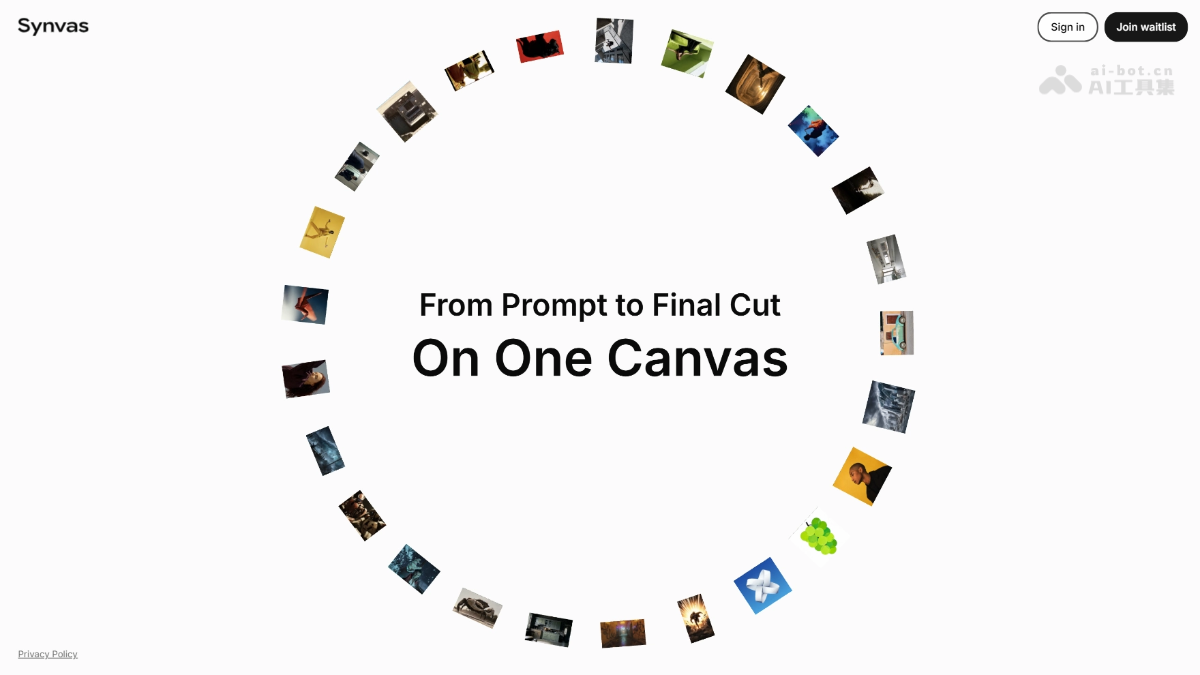
Key Features of Synvas
- Integrated Video Canvas: Unifies scriptwriting, storyboarding, generation, and editing on a single canvas—eliminating context switching across multiple tools.
- Real-Time Generation & Editing: Generated outputs are instantly rendered onto the canvas, enabling immediate editing without waiting for full render completion.
- Local GPU Acceleration: Utilizes WebGPU + WebCodecs to directly harness local GPU power, delivering minimal latency in preview and rendering.
- Parallel Multi-Version Comparison: Multiple prompt-generated results can be tiled side-by-side on the same canvas for intuitive selection and composition of optimal assets.
- Proprietary Engine Foundation: Built from the ground up with custom technology—not assembled from open-source components—ensuring performance and responsiveness at the core.
How to Use Synvas
- Apply for Early Access: Visit Synvas official site https://synvas.ai/ to join the waitlist and await official invitation.
- Prepare Environment: Requires a WebGPU-compatible browser (e.g., latest Chrome or Edge).
- Create a Canvas: After logging in, create a new project and enter the infinite canvas-style video workspace.
- Input Prompts: Write or paste prompts directly on the canvas to specify desired visuals and camera angles.
- Generate & Edit in Real Time: Generated clips appear immediately on the canvas—drag, cut, splice, and arrange multiple clips instantly.
- Multi-Version Comparison: View multiple generated versions side-by-side to visually select the best one for further refinement.
- Export Final Cut: Directly export the final edited video after completing all edits on the canvas.
Core Advantages of Synvas
- Unified Generation & Editing: Enables real-time generation and editing directly on the canvas, eliminating the workflow fragmentation caused by "generate first, then import into editing software."
- Local GPU Hardware Acceleration: Leverages game engine-level technology (WebGPU + WebCodecs) to directly access local GPU—delivering superior speed and real-time generation performance compared to conventional web frontend solutions.
- Proprietary Tech Moat: Fully self-built tech stack—no reliance on open-source glue—making performance and UX difficult to replicate quickly.
- Resistant to Giant Takeover: Even if AI advances further, it still depends on engines like Unity or Unreal; existing tools like CapCut cannot match this experience simply by adding a module.
- Canvas-Based Creative Workflow: Infinite canvas naturally supports parallel multi-version comparison and divergent ideation, aligning perfectly with professional creators’ working habits.
Competitive Comparison: Synvas vs. Alternatives
| Dimension | Synvas | Preview |
|---|---|---|
| Core Value Proposition | Unified generation and editing—real-time generation and editing on canvas | End-to-end integration of script → storyboard → generation → review in a single canvas |
| Technology Stack | Self-developed WebGPU + WebCodecs engine, leveraging local GPU | Cloud-based execution, pay-per-use credits system, credits never expire |
| Differentiating Capability | Local rendering—speed and fluidity are core selling points | Built-in Agent automatically decomposes scripts and generates shot lists; 3D scene previsualization with camera position adjustments |
| Model Strategy | Plans to train proprietary models in the future | Unified multi-model scheduling; compare cutting-edge image/video models within the same interface |
| Business Model | Invite-only early access; plans to raise Series A in Asia before moving to the US | Pay-per-use credit system, no subscriptions, already commercially operational |
| Target Users | Professional creators, “A24 studios of the AI era” | Studios, producers, advertising & film previsualization teams |
Use Cases for Synvas
- AI Shorts / Independent Film Production: Directors can storyboard, generate, and edit in one continuous flow—rapidly validating visual storytelling without repeatedly transferring assets between generation tools and editing software.
- High-Frequency Short Video / Self-Media Mass Production: Daily content creators can generate, filter, and edit in real time—comparing multiple versions side-by-side to minimize iteration cost from “generate 10, pick 1”.
- Advertising Creative Proposals: Agencies can produce multiple creative directions in parallel on the same canvas for client selection; real-time prompt adjustments and regenerations during pitch sessions make proposals more dynamic than static PPTs.
- MV / Music Visual Creation: Music-driven visual experimentation benefits from canvas-based layout—easy to organize shots by musical phrases and iteratively refine specific segments without re-editing the entire sequence.
- Brand Visual Content Library Development: Verified prompt and editing combinations can be saved as reusable canvas templates—new team members can directly adopt them, ensuring consistent brand identity.
Source: AI Tools Hub
Disclaimer: Contains third-party opinions, does not constitute financial advice


Step Code – The Open-Source Terminal Programming Agent by Jieyue Star
25 days ago
Hy4 Preview Lightweight Version – Tencent Hunyuan's Open-Source Hy4 Quantized Compression Model
09-02
Claude Fable 5.1 – Anthropic's Latest Flagship Large Model
09-02
Open-source Retool is here, drag-and-drop backend with 60+ components
08-19
Claude Opus 5 is Here: Half the Price Approaching Fable 5
07-25
Tencent Open-Sources 260 Real-World Tasks to Test AI Workforce Capabilities
07-25
Meituan Open-Sources AI Exam Platform: 813 Minecraft Tasks
07-25


